1
Add your car
Set up the vehicle details you want the app to use, such as fuel type, units, tank information and a normal fill amount. Add a photo or reference name if useful.
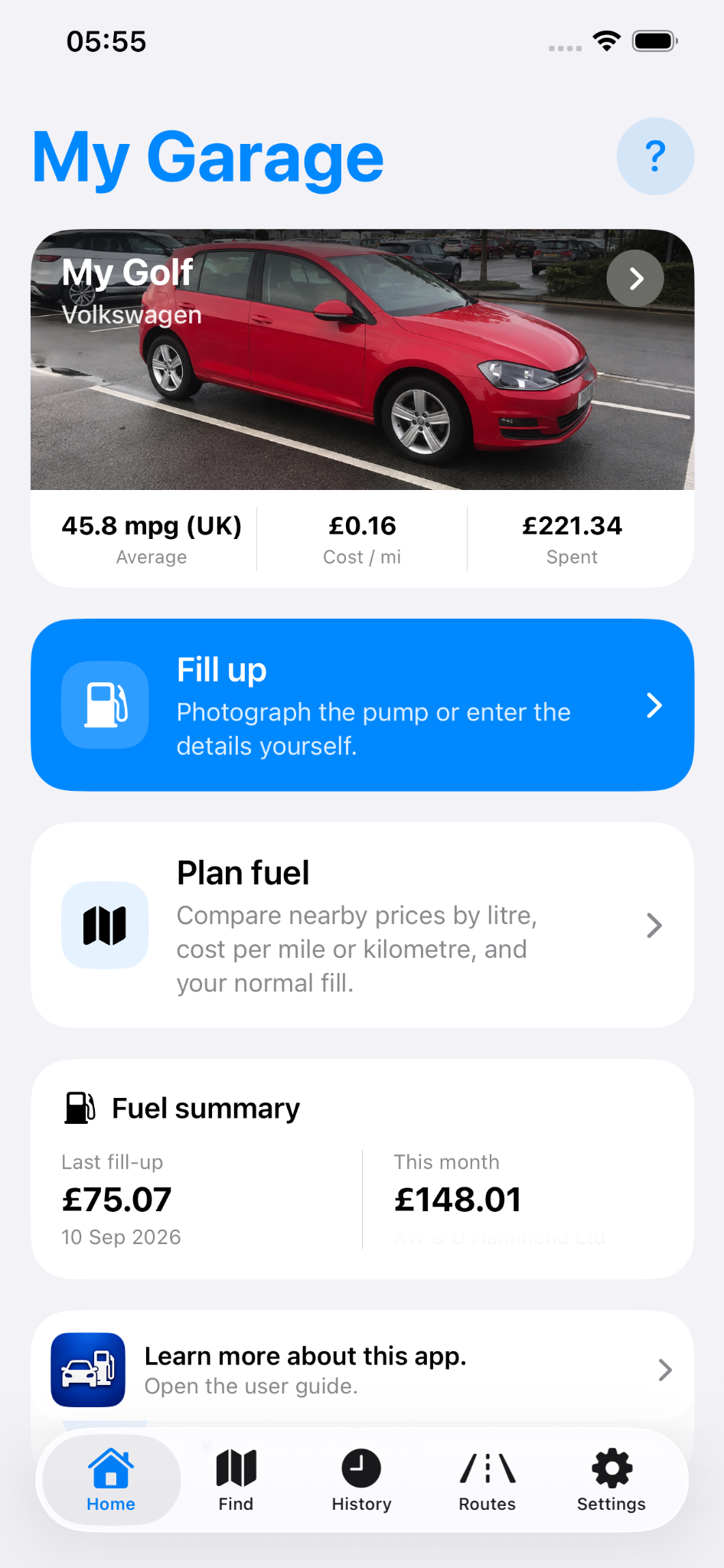
A quick guide to setting up a car, recording fuel, finding stations and checking route costs.
Set up the vehicle details you want the app to use, such as fuel type, units, tank information and a normal fill amount. Add a photo or reference name if useful.
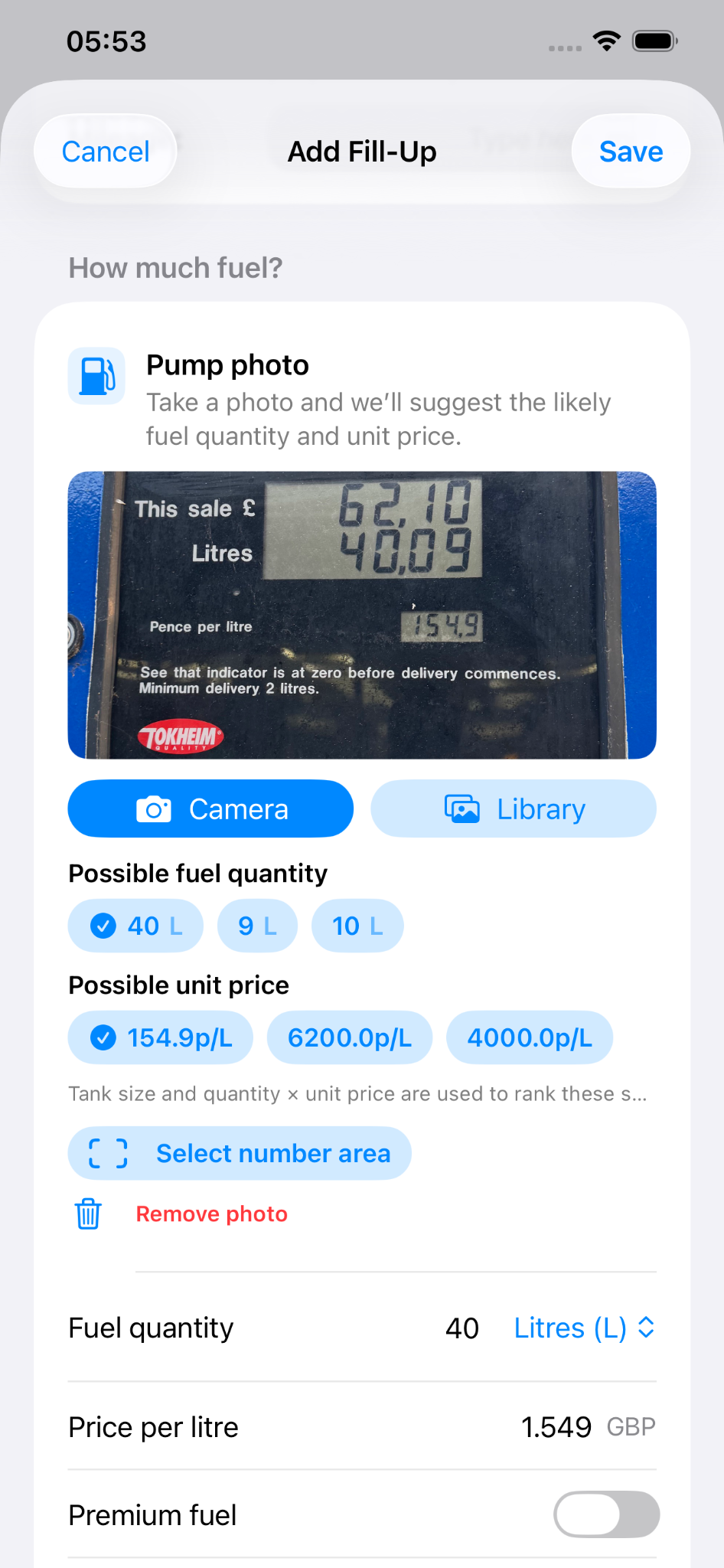
Enter mileage, fuel quantity, price and tank level. Photo-assisted entry can suggest likely values, but you remain in control of what is saved.
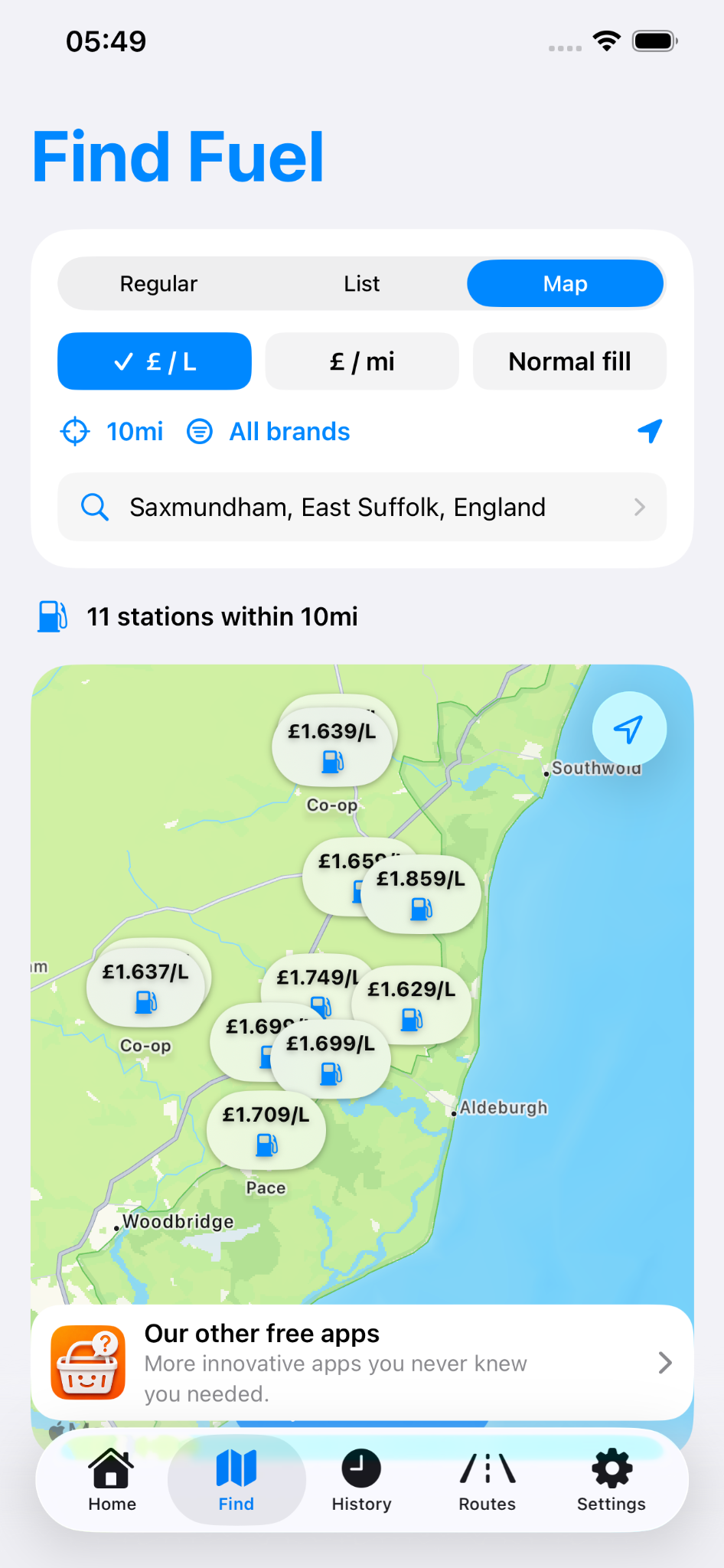
Search nearby or around another place. Where compatible fuel-price data is available, compare stations by price per litre and other vehicle-aware figures.
Open previous fill-ups, correct mistakes and review useful trends for each vehicle as your history builds.
Search a From and To location, compare an approximate journey cost for your saved cars, and keep useful regular routes for later.
Brim-to-brim records provide the strongest measured fuel-economy result. Where partial tank levels are used, the app may provide an estimated result based on the information available.
Fuel prices, route costs and photo-assisted suggestions are guidance. Check important values before relying on them.